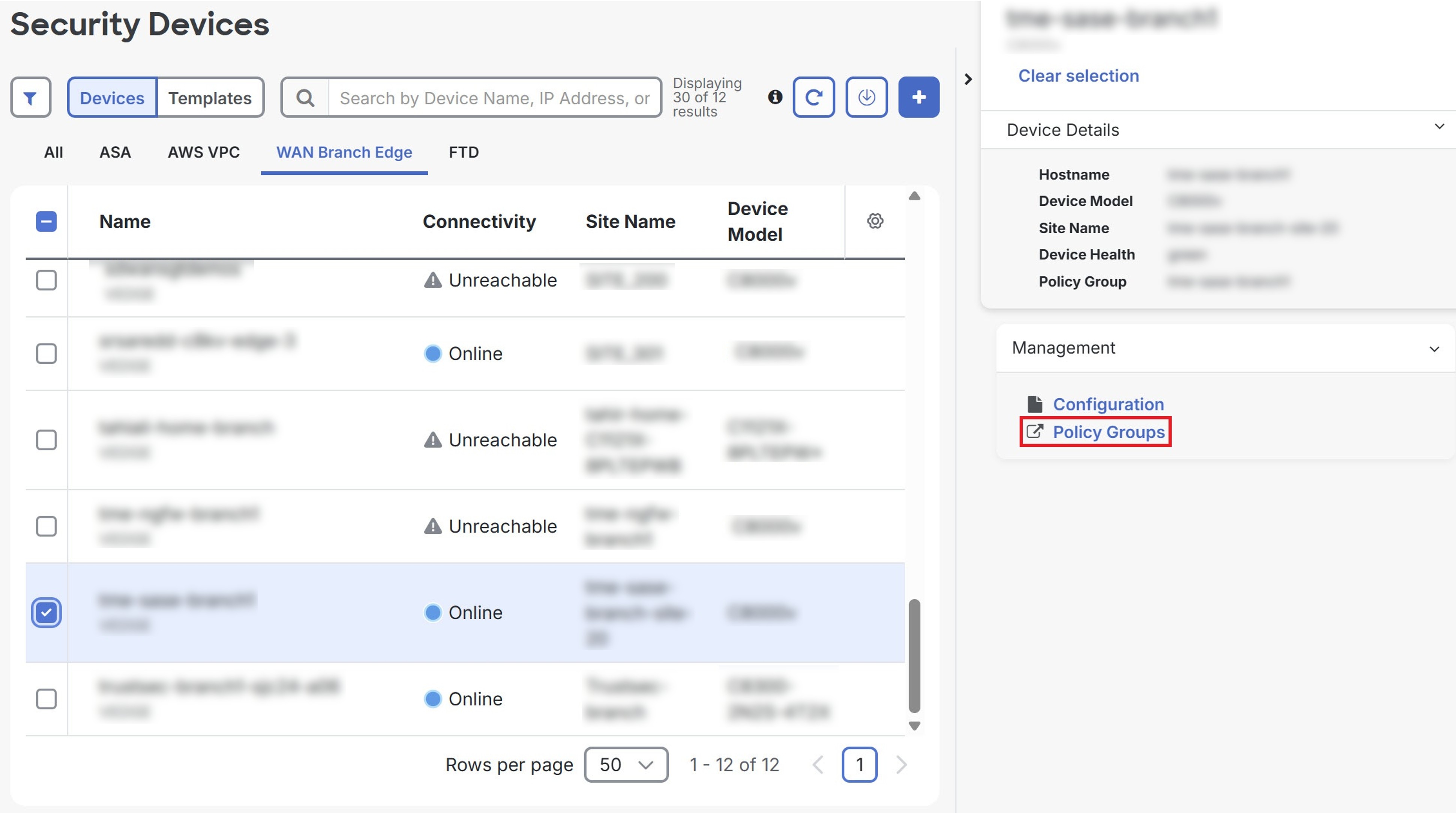
Cross-launch policy groups from Security Cloud Control Firewall Management
Procedure
Step 1 | Choose . |
Step 2 | Click the WAN Branch Edge tab. |
Step 3 | Select a device and click Policy Groups under Management.
|
Step 1 | Choose . |
Step 2 | Click the WAN Branch Edge tab. |
Step 3 | Select a device and click Policy Groups under Management.
|