How TLS/SSL handshakes work
In this documentation, the term TLS/SSL handshake represents the two-way handshake that initiates encrypted sessions in both the SSL protocol and its successor protocol, TLS.
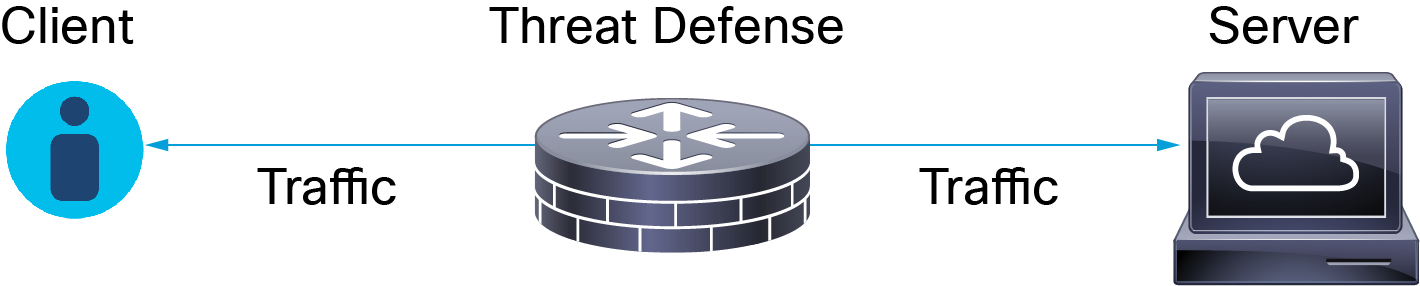
In an inline deployment, the system processes the TLS/SSL handshake, potentially modifying the ClientHello message and acting as a TCP proxy server for the session.
The figure shows an inline deployment.
Summary
The key components involved in the TLS/SSL handshake process are:
-
Client: Initiates the encrypted session by sending a ClientHello message specifying multiple supported values for each encryption attribute
-
Server: Responds with a ServerHello message specifying a single supported value for each encryption attribute, determining the encryption method for the secure session
-
Managed device: Monitors TCP sessions for encrypted session initiation attempts and can act as a TCP proxy server
-
Handshake messages: Specialized packets that communicate encryption attributes between client and server
Workflow
These stages describe how TLS/SSL handshakes establish encrypted sessions:
- The client establishes a TCP connection with the server after successfully completing the TCP three-way handshake.
- The managed device monitors the TCP session for any attempt to initiate an encrypted session.
-
The client and server exchange specialized handshake messages to establish an encrypted session.
- ClientHello—The client specifies multiple supported values for each encryption attribute.
- ServerHello—The server specifies a single supported value for each encryption attribute, and the ServerHello response determines which encryption method the system uses during the secure session.
- After the TLS/SSL handshake completes, the managed device caches encrypted session data and server certificate data. This caching allows session resumption without requiring the full handshake and enables faster handshake processing in subsequent sessions that use the same certificate.