Filter Catalyst SD-WAN security objects
The ability to filter and search for Catalyst SD-WAN security objects by Object Type and Profile Type allows users to efficiently locate, review, modify, and, when needed, delete these objects. This approach helps maintain optimal system performance.
You can filter objects using two parameters: Object Type and Profile Type.
-
Choose .
-
Choose Objects.
-
Click the WAN Branch Edge tab.
-
Click the filter icon (
 ) and select objects by Object Type or Profile Type.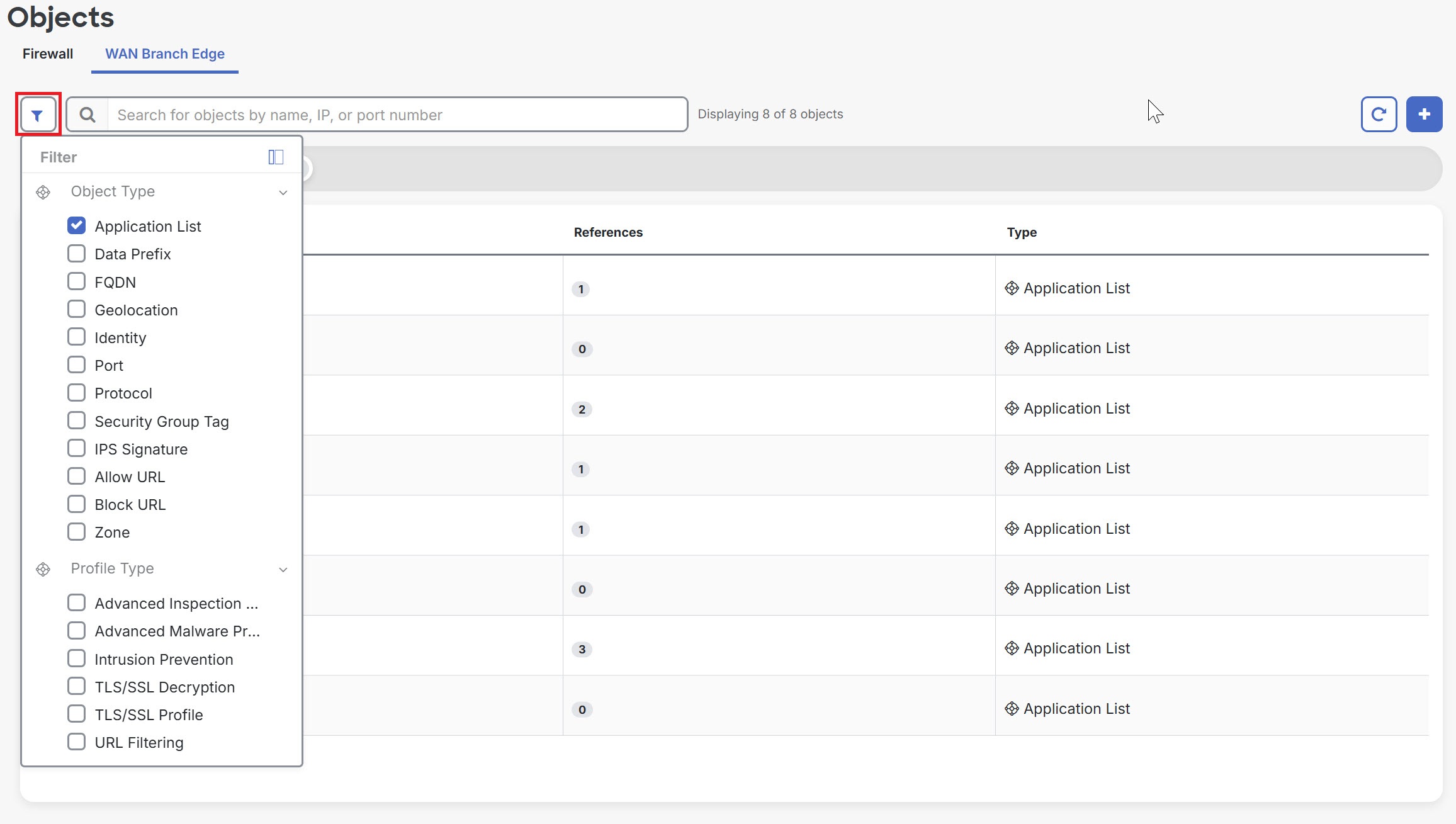
You can use filters to search for objects. Refine the results by typing the object name, IP address, or port number to narrow the search.