Create new Catalyst SD-WAN security objects and security profiles
Use Security Cloud Control Firewall Management to create new Catalyst SD-WAN security objects and security profiles.
Procedure
Step 1 | Choose Objects. |
Step 2 | Click the WAN Branch Edge tab. |
Step 3 | Click the Create Object (
|
Step 4 | Click the object or profile you want to create: Objects: Profiles: |
Step 5 | Click Save. |
 ) icon.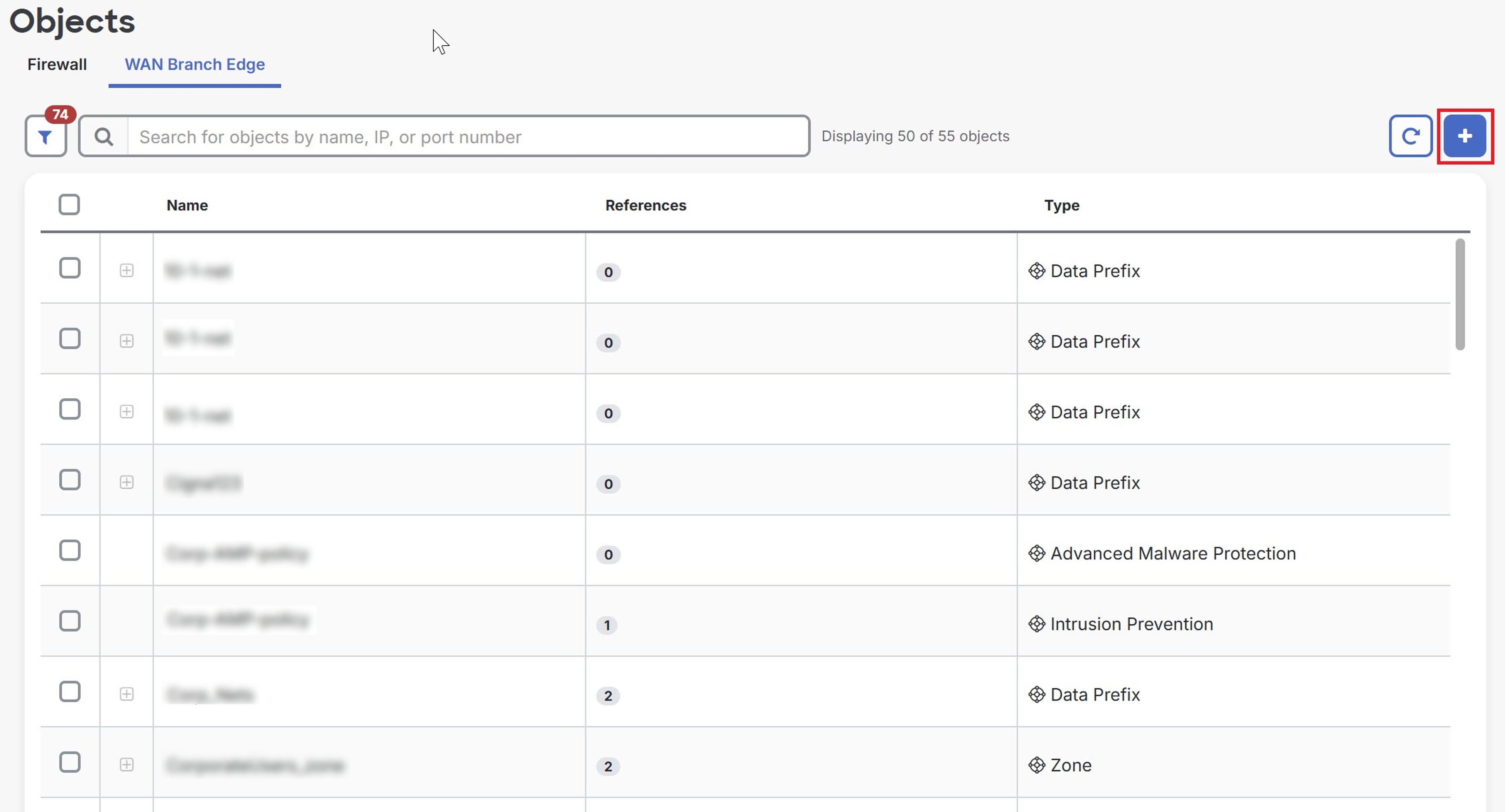
The objects are created in Security Cloud Control Firewall Management. To see the logs in Catalyst SD-WAN Manager, navigate to .