Add bypass users
Bypass decryption for users and groups in selected Microsoft AD, LDAP, and Local realms.
This task allows you to exclude specific users and groups from decryption processing by adding them to a bypass list.
Before you begin
Complete the tasks discussed in Create a standard decryption policy with outbound protection.
Follow these steps to add bypass users:
Procedure
Step 1 | Click Add new under Bypass users. |
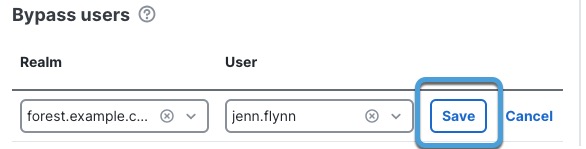
Step 2 | In the dialog box that is displayed:
The following figure shows an example.
|
Step 3 | Click Save. |
Step 4 | Repeat the preceding steps as many times as necessary to bypass more users and groups. |