View system-defined access control rules
This task allows you to review and decide whether to create system-defined access control rules for your dynamic firewall instance.
This task discusses access control rules created by the dynamic firewall.
Before you begin
Procedure
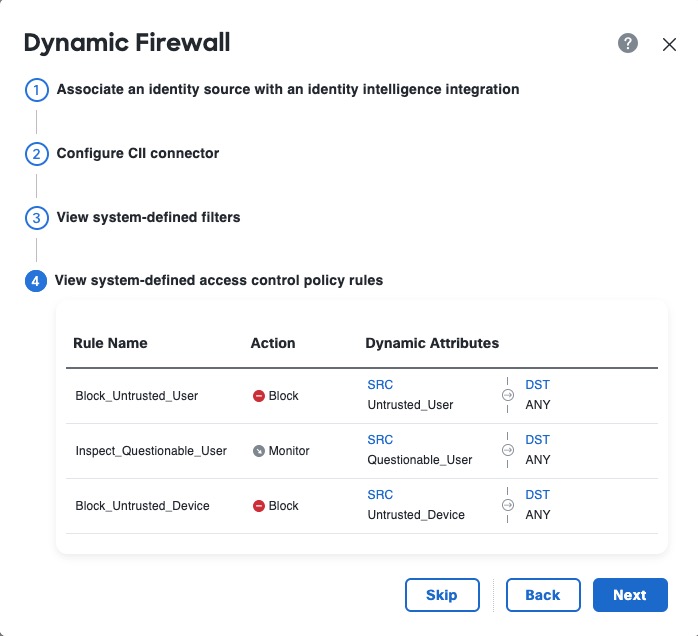
Step 1 | View the system-created access control rules. The following figure shows an example.
|
Step 2 | Choose one of these options:
|
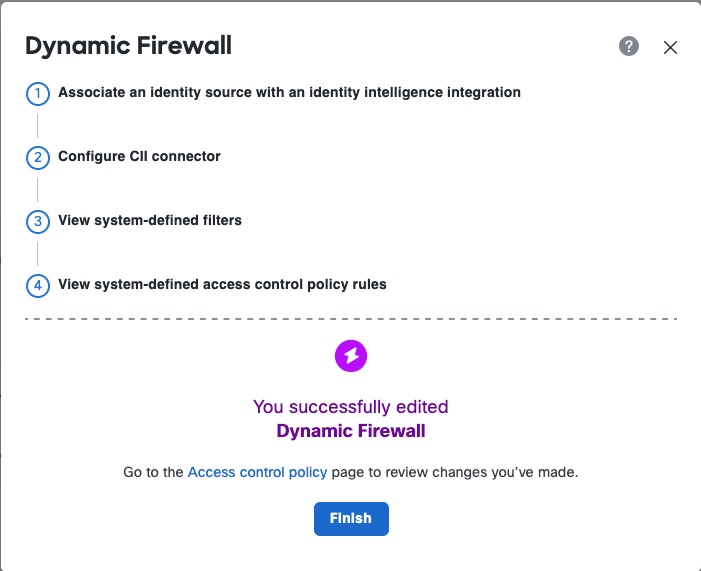
Step 3 | After you click Next, if you created access control rules successfully, the following page is displayed:
|