Edit the user exclusion list
Specify users provided by Identity Intelligence as always being trusted.
You can instruct Identity Intelligence to treat specific users as trusted.
Before you begin
Configure the dynamic firewall as discussed in Create a dynamic firewall instance.
Procedure
Step 1 | Click . |
Step 2 | Click |
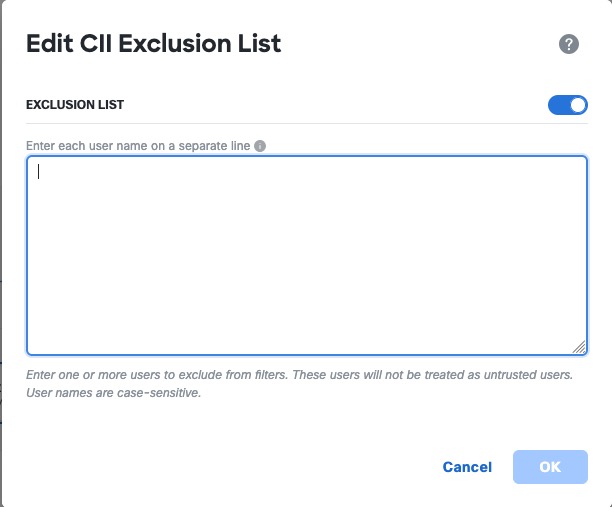
Step 3 | Click Edit CII Exclusion List. The following dialog box is displayed.
|
Step 4 | In the provided field, enter one user name in Each user name is considered as trusted by Identity Intelligence. |
 next to the name of the identity source.