Add a new cluster node
You can add one or more new cluster nodes to an existing cluster.
Procedure
Step 1 | If you have enabled the new device management UI, select a cluster to open the side pane, then under Cluster actions, click Add nodes. See Device management page enhancements. Otherwise, perform the next step. |
Step 2 | Choose , click More ( 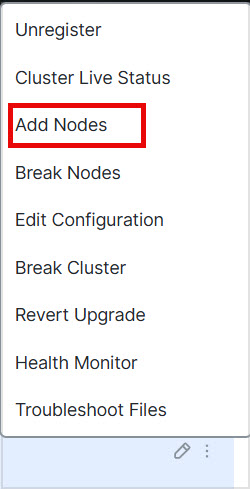
The Manage Cluster Wizard appears. |
Step 3 | From the Node menu, choose a device, adjust the IP address, priority, and Site ID if desired. 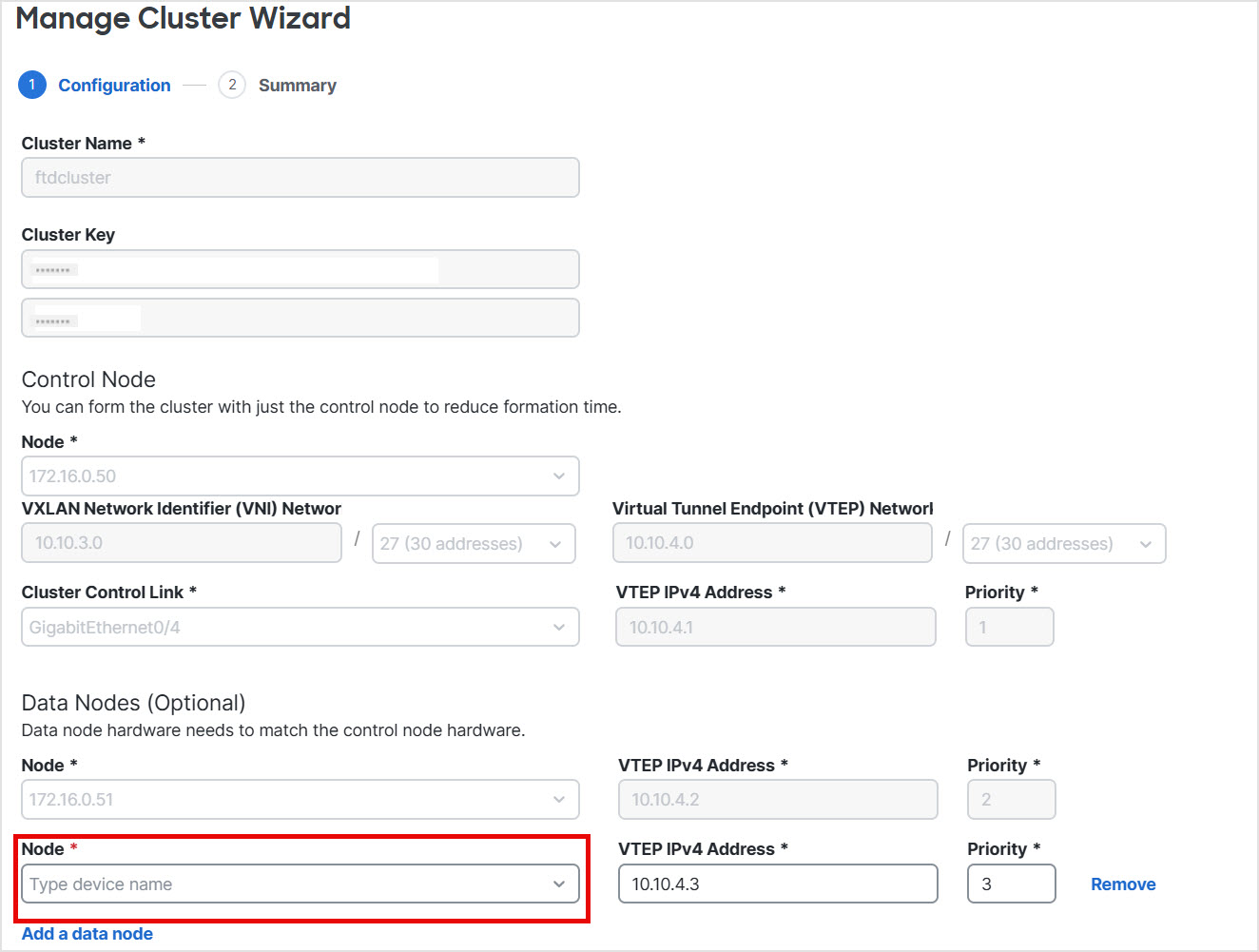
|
Step 4 | To add additional nodes, click Add a data node. |
Step 5 | Click Continue. Review the Summary, and then click Save The node that is currently registering shows the loading icon. 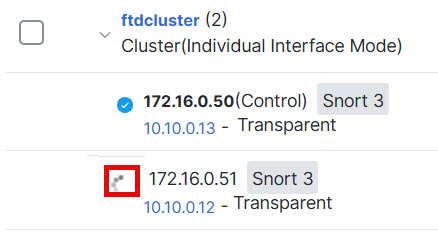
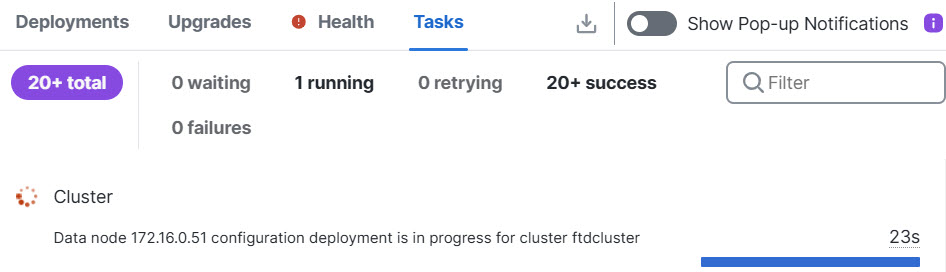
You can monitor cluster node registration by clicking the Notifications icon and choosing Tasks.
|