Break the cluster
You can break the cluster and convert all nodes to standalone devices. The control node retains the interface and security policy configuration, while data nodes have their configuration erased.
Procedure
Step 1 | Make sure all cluster nodes are being managed by the Cloud-Delivered Firewall Management Center by reconciling nodes. For more information, refer to Reconcile cluster nodes. |
Step 2 | Choose , click More ( If you have enabled the new device management UI, select a cluster to open the side pane, then under Cluster actions, click Break cluster. See Device management page enhancements. 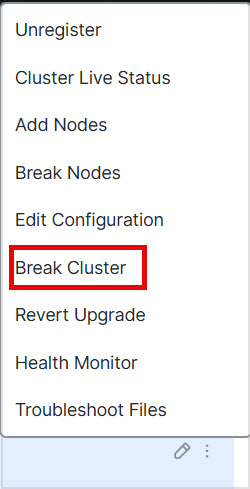
|
Step 3 | You are prompted to break the cluster; click Yes. 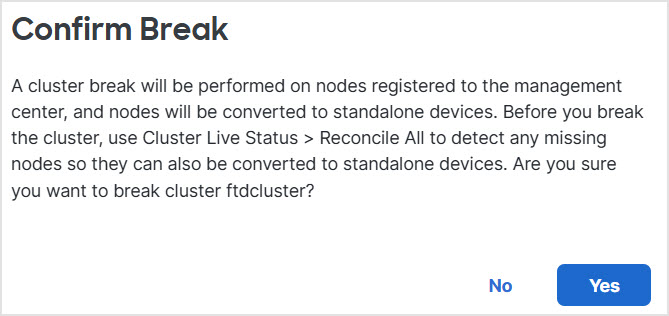
You can monitor the cluster break by clicking the Notifications icon and choosing Tasks. |
