Change the control node
Use this procedure when you need to specify the exact unit you want to become the control node. For centralized features, forcing a control node change will drop all connections, requiring you to re-establish the connections on the new control node.
Caution | The best method to change the control node is to disable clustering on the control node, wait for a new control election, and then re-enable clustering. If you must specify the exact unit you want to become the control node, use the procedure in this section. Note that for centralized features, if you force a control node change using either method, then all connections are dropped, and you have to re-establish the connections on the new control node. |
Follow these steps to change the control node:
Procedure
Step 1 | Open the Cluster Status dialog box by choosing
More ( If you have enabled the new device management UI, select a cluster to open the side pane, then under Cluster actions, click Cluster live status. See Device management page enhancements. 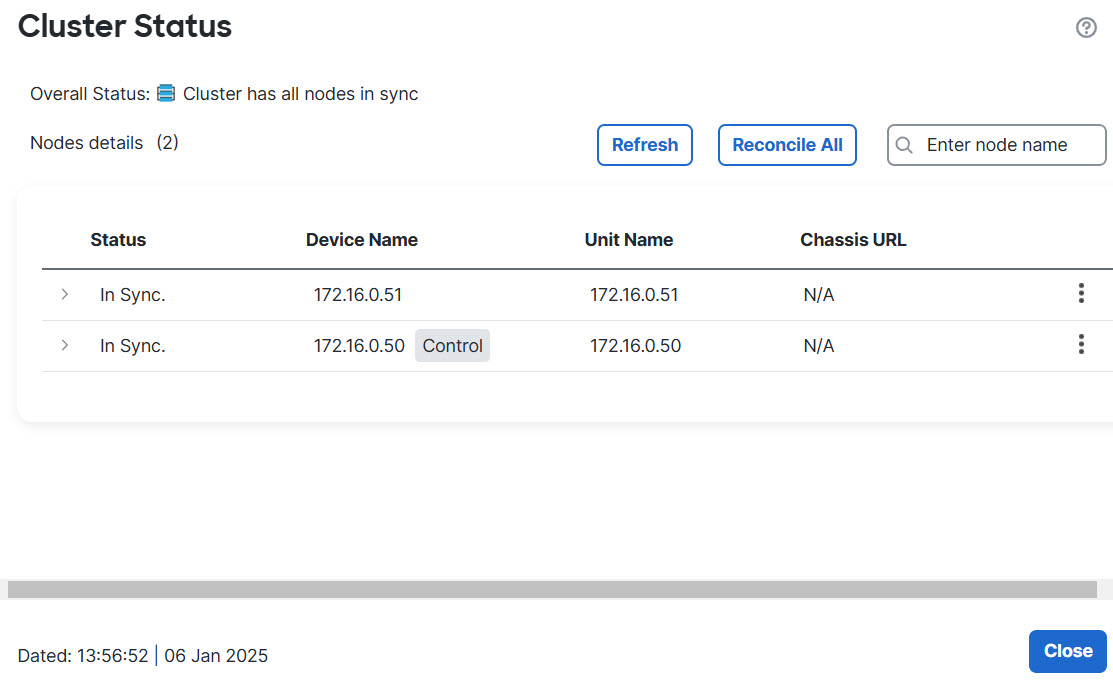
|
Step 2 | For the unit you want to become the control unit, choose More ( |
Step 3 | You are prompted to confirm the role change. Check the check box, and click OK. |
